
How do I rename a budget?
To rename a Budget:
1. Navigate to the Budget dashboard for the Budget you would like to rename
2. Click the pencil icon to "Edit Budget" in the upper right-hand corner of the screen.
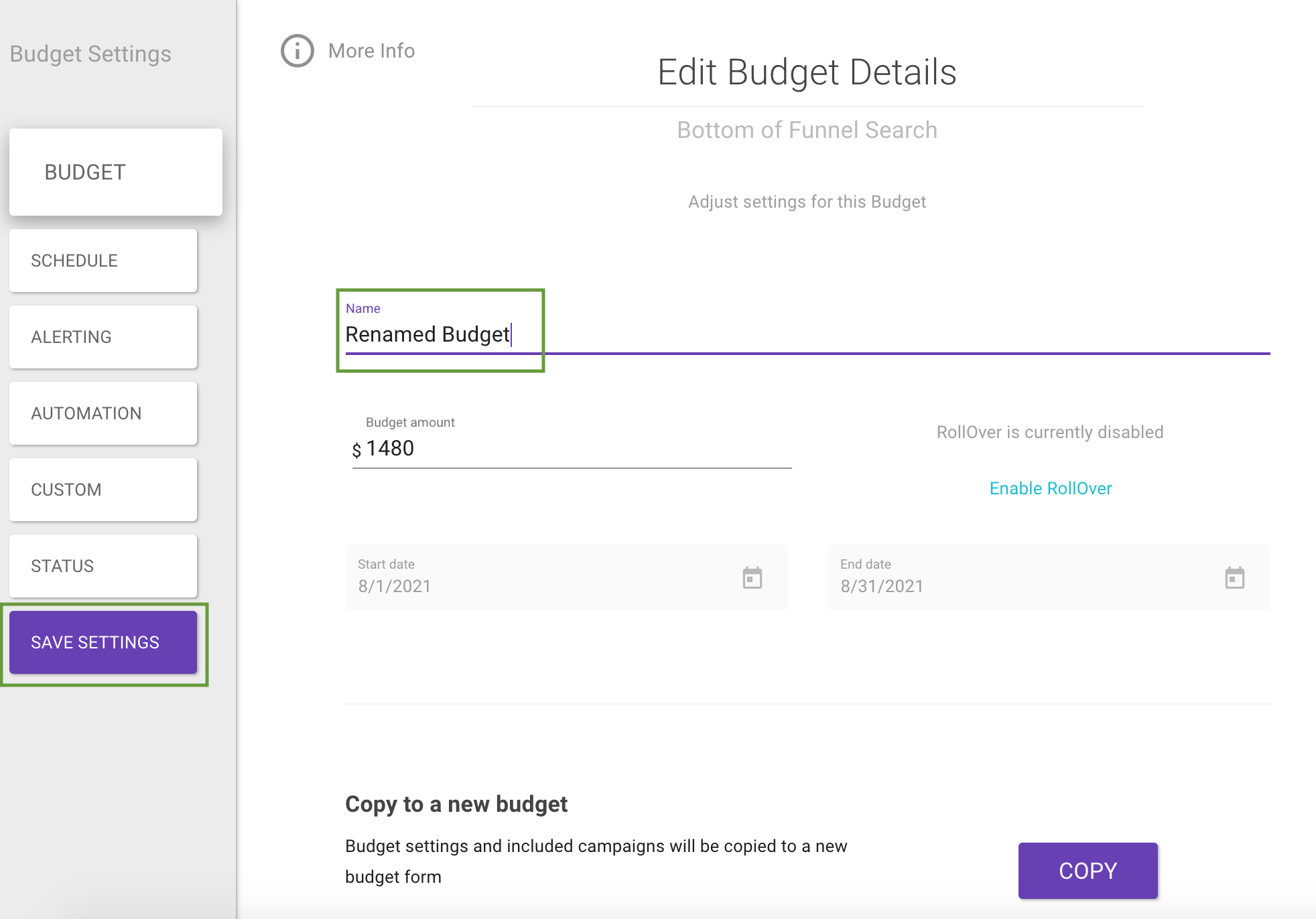
3. On the "Edit Budget Details" screen, find the "Name" field.
4. Enter the new name for your budget.
5. Click "Save Settings."
Updated 3 months ago
Did this page help you?